Best NAS HDDs in 2026: Top Hard Drives for Home, RAID, and High-Capacity Storage
If you are looking for the best NAS hard drives in 2026, the strongest options are still WD Red Pro, Seagate IronWolf Pro, and Toshiba N300. Each is built for 24/7 use, multi-bay stability, and the kind of sustained workloads that quickly expose the limits of ordinary desktop drives.
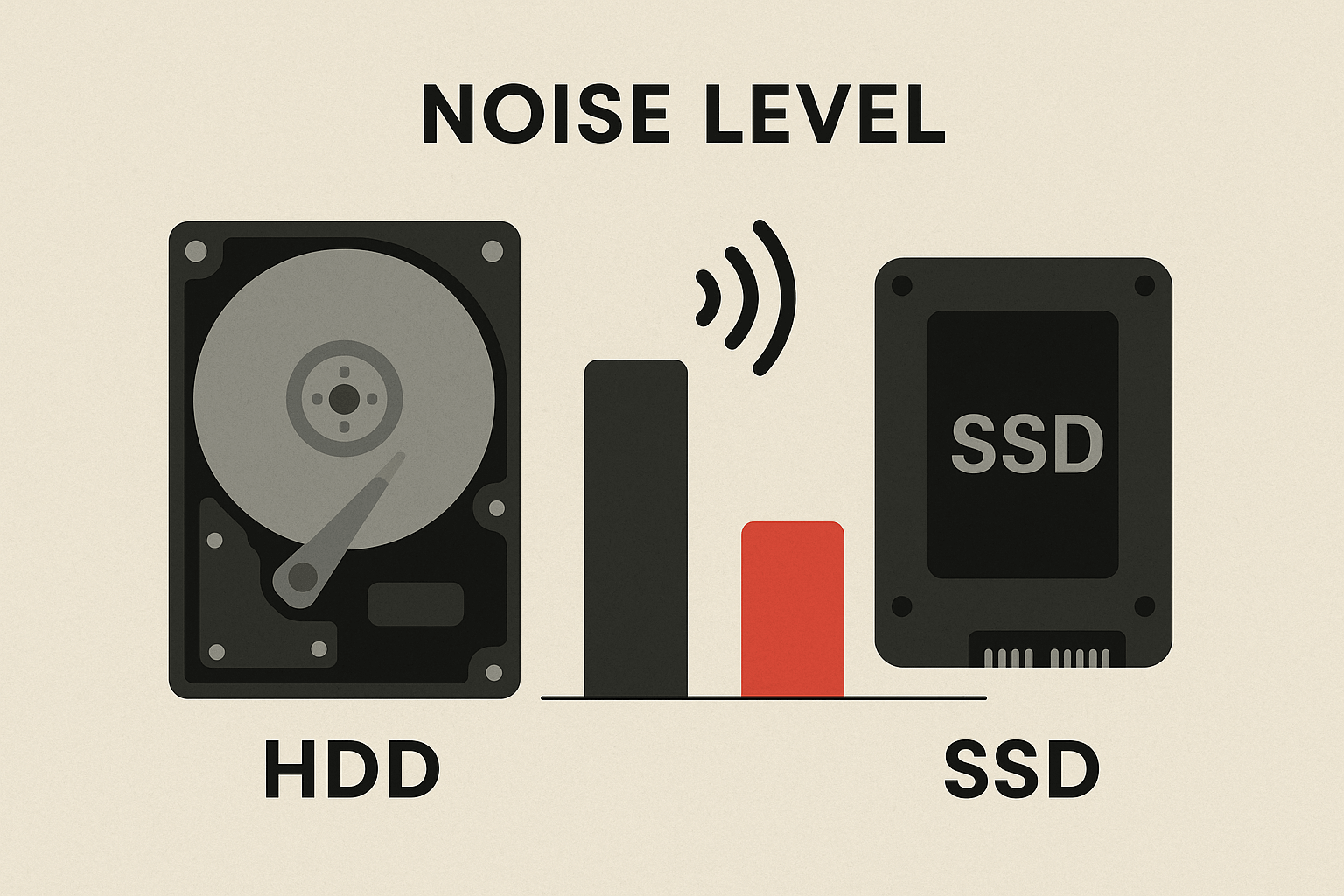
The right choice depends on more than capacity alone. For a NAS, factors like CMR recording, RAID performance, workload rating, power draw, heat, noise, and warranty matter just as much as raw terabytes. A bargain drive can look good on paper, then turn into slower rebuilds, louder operation, or higher failure risk once it is under real load.
Quick Answer: Best NAS HDDs in 2026
| Model | Best For | Capacity Range | RPM | Workload Rating | Warranty | Why It Stands Out |
|---|---|---|---|---|---|---|
| WD Red Pro | Best overall NAS HDD | 4TB to 26TB | 7,200 | 550TB/year | 5 years | Strong all-around reliability, high capacities, and solid performance for multi-bay NAS systems |
| Seagate IronWolf Pro | Best for RAID and heavy workloads | 2TB to 32TB | 7,200 | 550TB/year | 5 years | Built for demanding multi-drive setups with RAID-focused features and strong long-term stability |
| Toshiba N300 | Best value NAS HDD | 4TB to 22TB | 7,200 | 180TB/year | 3 years | A practical NAS-focused option for buyers who want solid performance without paying top-tier prices |
For most buyers, WD Red Pro is the safest all-around choice. IronWolf Pro makes the most sense for heavier RAID use and larger multi-bay arrays. Toshiba N300 is a good fit if you want a NAS drive from a reputable lineup at a lower cost, and you do not need the same workload rating or warranty coverage as the premium models.
If you are shopping for drives for RAID, media libraries, backups, or long-term 24/7 storage, stick with CMR-based NAS HDDs and avoid SMR models. A lower price can be tempting, but slower writes, longer rebuilds, and weaker NAS behavior usually cost more in the long run.
Key Takeaways:
- The best NAS hard drives in 2025 are WD Red Pro, Seagate IronWolf Pro, and Toshiba N300, with each model line suited to different budgets, bay counts, and workload demands.
- For NAS use, CMR drives are the safer choice. They deliver steadier write performance and more reliable behavior during RAID rebuilds, while SMR drives can struggle under sustained workloads.
- The best NAS HDD is not always the largest or cheapest option. Factors like workload rating, warranty, heat, noise, and rebuild time have a direct impact on long-term reliability.
- High-capacity drives can make sense in systems with limited bays, large media libraries, or long-term growth plans, but they also bring trade-offs like higher cost, longer rebuilds, and more recovery risk if a drive fails.
- A good NAS drive should match your real use case, not just your storage target. Home backup, Plex libraries, multi-bay RAID arrays, and quieter setups can all call for slightly different priorities.
Best NAS Hard Drives in 2026
WD Red Pro, Seagate IronWolf Pro, and Toshiba N300. All three are NAS storage-focused CMR drives, but they are not aimed at exactly the same buyer. The best choice depends on how hard your NAS works, how many bays you plan to fill, and how much value you place on workload rating, warranty, and high-capacity options.
{{UGPRODUCT}}
WD Red Pro: Best Overall NAS HDD
WD Red Pro is the best overall NAS HDD for most buyers who want a dependable drive for multi-bay storage, large capacities, and steady long-term performance. It strikes the best balance between endurance, compatibility, and broad capacity availability, which makes it a strong fit for home servers, media libraries, backups, and heavier daily use.
The lineup currently spans from 4TB to 26TB, runs at 7,200 RPM, and carries a 550TB/year workload rating with a 5-year warranty. That gives it the kind of headroom most serious NAS buyers want, especially in 4-bay, 6-bay, and 8-bay systems where rebuild time and sustained activity start to matter more.
Its biggest strength is balance. WD Red Pro does not lean too far toward bargain pricing or niche enterprise features. It is simply a very solid NAS drive line with high capacities, strong reliability credentials, and a long track record in always-on storage.
The trade-off is cost. If your NAS handles lighter workloads or your budget is tight, Red Pro can be more drive than you actually need.
Seagate IronWolf Pro: Best for RAID and Heavy Workloads
Seagate IronWolf Pro is the best choice for users who want a NAS HDD tuned for demanding RAID environments and heavier sustained workloads. It is especially well suited to larger arrays, active media libraries, and multi-user storage where the drives are under regular pressure.
Like WD Red Pro, IronWolf Pro runs at 7,200 RPM, offers a 550TB/year workload rating, and includes a 5-year warranty. Capacity options currently reach as high as 32TB, which makes it especially attractive for buyers trying to maximize storage per bay.
Its biggest appeal is its RAID-friendly focus. Features like AgileArray, TLER, and rotational vibration sensors are designed to improve stability in multi-drive setups, which is exactly where weaker drives tend to show their limits. For users planning a larger NAS or expecting steady writes, rebuild activity, and constant uptime, IronWolf Pro is a very strong option.
The main trade-off is that it may not feel like the best value for lighter home use. If your NAS is mostly serving backups or modest media storage, you may not need this level of workload support.
Toshiba N300: Best Value NAS HDD
Toshiba N300 is the best value NAS HDD in this group for buyers who want a NAS-specific drive at a more approachable price. It is a practical option for home users and smaller NAS setups that still want 7,200 RPM performance and CMR recording without stepping up to a premium-tier model.
The N300 is commonly available in capacities from 2TB to 22TB, with a 180TB/year workload rating and a 3-year warranty. Those numbers are not as strong as WD Red Pro or IronWolf Pro, but they are still reasonable for many home and prosumer workloads.
Its biggest advantage is straightforward value. You still get a drive built for NAS use, along with solid performance and quieter operation in many setups, without paying as much as you would for the top-end competitors.
The trade-off is lower endurance coverage and less headroom for heavier long-term workloads. If your NAS runs hard every day or you are building a denser multi-bay array, the premium models may still be the safer buy.
Which NAS HDD should you choose?
For most buyers, WD Red Pro is the safest all-around pick. It offers the best mix of endurance, warranty, capacity, and broad NAS suitability.
Choose Seagate IronWolf Pro if your priority is RAID stability, heavier workloads, or maximum capacity per bay.
Choose Toshiba N300 if you want a NAS-specific drive at a lower price and your workload is more moderate.
No matter which model you choose, the bigger rule stays the same: use CMR drives for NAS and avoid SMR models, especially in RAID arrays or always-on systems. If you haven't decided on a RAID configuration yet, our guide on how to choose the best RAID setup for your NAS can help you match the right level of protection to your drive count and storage goals.
What Capacity NAS Hard Drive Should You Buy?
The right NAS HDD capacity depends on how many drive bays you have, how quickly your storage is growing, and what kind of files you plan to keep on the system. Bigger drives give you more room per bay, but they also cost more and can take longer to rebuild in RAID if something goes wrong. If you're still deciding on a NAS or want to compare bay counts before committing to a drive size, you can browse NAS storage options by bay count to find a system that fits your capacity needs..
| Capacity Range | Best For | Strengths | Main Trade-Off | Best Fit |
|---|---|---|---|---|
| 4TB to 8TB | Basic backup and light home use | Lower cost and easy to start with | Fills up faster with large files | Documents, photos, and personal storage |
| 10TB to 16TB | Most home and prosumer NAS users | Good balance of space, cost, and flexibility | Costs more than smaller drives | Backups, media libraries, and shared storage |
| 18TB and above | High-capacity NAS and limited-bay systems | More storage per drive bay | Higher cost and longer rebuild times | Large media libraries, video projects, and long-term growth |
For many buyers, 10TB to 16TB is the most balanced choice. It offers enough space for backups, media, and future growth without moving too quickly into the cost and rebuild risks that come with very large drives.